

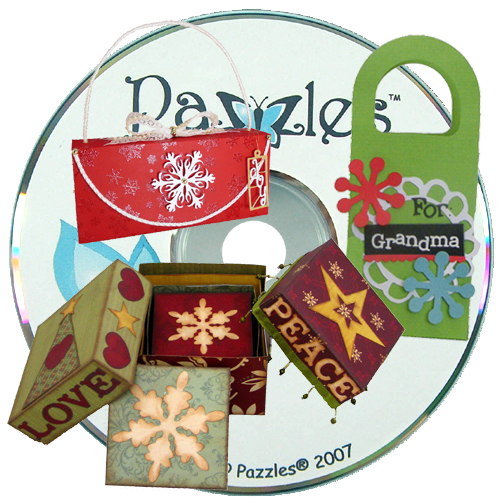
 When Pazzles launched the Inspiration we wanted to make sure that everything we had worked so hard creating in the past for the Creative Cutter Pro and the Pazzles Mini and Mighty would work for Inspiration owners as well. That meant it was important that all of our images on our original image CDs could be imported and used in the Inspiration software too. I like to call these image CDs “oldies but goodies.” Two of my favorite image CDs are CD 17 Boxes and Bags, and CD 18 Cards and Tags.
Since these image CDs were made before we launched the Inspiration, they do not have the ability to automatically install the images on the CD into your image gallery in the Inspiration Studio software. If you have already been creating your own images and saving them to your gallery then you already know how to save your files to your image library. For those of you just getting started using your Inspiration or those who have our older image disks and want to view the contents of the disk through their software, this video is for you.
saving-images


Video would not work for me. Showed a question mark in place of the play arrow.
I’ll try later,
Melody D.
can’t get the video to play
Video will not play for me either.
Same here.
Will not play for me either. I tried several times before I read all the other comments.
wont play for me either
The video should be working now. Please retry if you were having problems. I apologize for the inconvenience.
Thank you Jeremy! Very nicely made video, Tatum.
Good information.
Melody D.
It’s great that we can add images to the library, but the process is so time consuming…is PAZZLES planning on simplifying the process in an update sometime?